




Manage Your Credit & Debit Cards
Lost, Stolen, or Need a Replacement Card?
Whether you misplaced your debit card, noticed something that doesn't look right, or simply want more control over your card, BHCCU makes it easy to lock your debit card through digital banking. It's another way to help you stay in control of your finances and protect your peace of mind.
- Temporarily lock your card with the click of a button! Enjoy added security and peace of mind by locking and unlocking your card anytime through Online Banking or the BHCCU Mobile App.
Debit Cards
Mobile Banking
- Open the BHCCU Mobile App
- Choose "Checking"
- Choose "Card Management"
- Select the card and click on "Activate New Card", then "Activate"
- You're now able to access Card Management features.
- Lock/Unlock your card. Toggle the button next to your card status (shown as "Active" or "Locked")
- Report your card lost or stolen. NOTE: If a card is reported lost or stolen it cannot be activated again. Our Card Services will need to order a new card.
- Reorder a card. NOTE: This will reorder an existing card, not a new card. You'll need to call to activate your replacement card and your PIN will remain the same. There is a $10 fee to reorder a card.
Credit Cards
Mobile Banking
- Click on "VISA Credit Card"
- Click on "Manage Credit Cards"
- You will then be directed to the credit card tab in Online Banking. Please follow the Online Banking Instructions.
Online Banking
- Click the "Credit Card" tab
- Click on the "Account Home" tab or the "View Transactions" tab
- To lock your card, click the green "Lock Card" icon next to your card number. A confirmation screen will appear, click "Confirm". NOTE: Your card is now locked and cannot be used.
- To unlock your card, click the same icon – Which is now red and says "Unlock Card". A confirmation screen will appear, click "Confirm". NOTE: Your card is now unlocked and can be used.
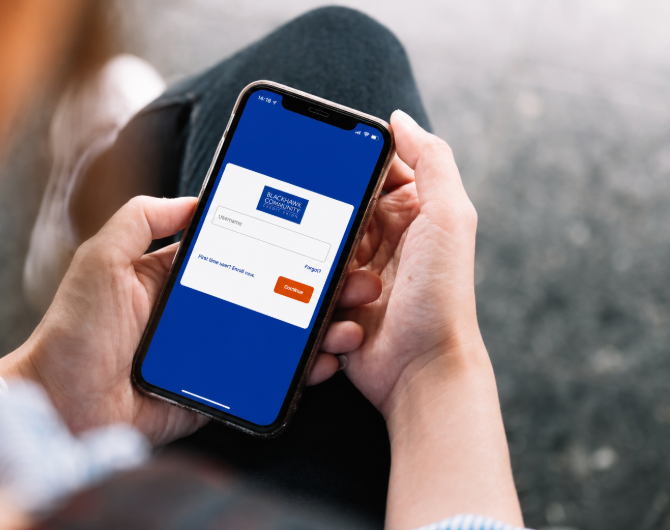
Download the BHCCU Mobile App
To download our mobile app, select the button below that matches your phone's operating system.


Important Phone Numbers
- Activate your card by calling 866.985.2273
- Select or change your PIN by calling 866.985.2273
- Report your card lost or stolen at 866.820.1070
- Report fraud on your card at 888.918.7313